
Every CLI starts as a source, becomes a spec, is made by a build, and reaches users as a release.
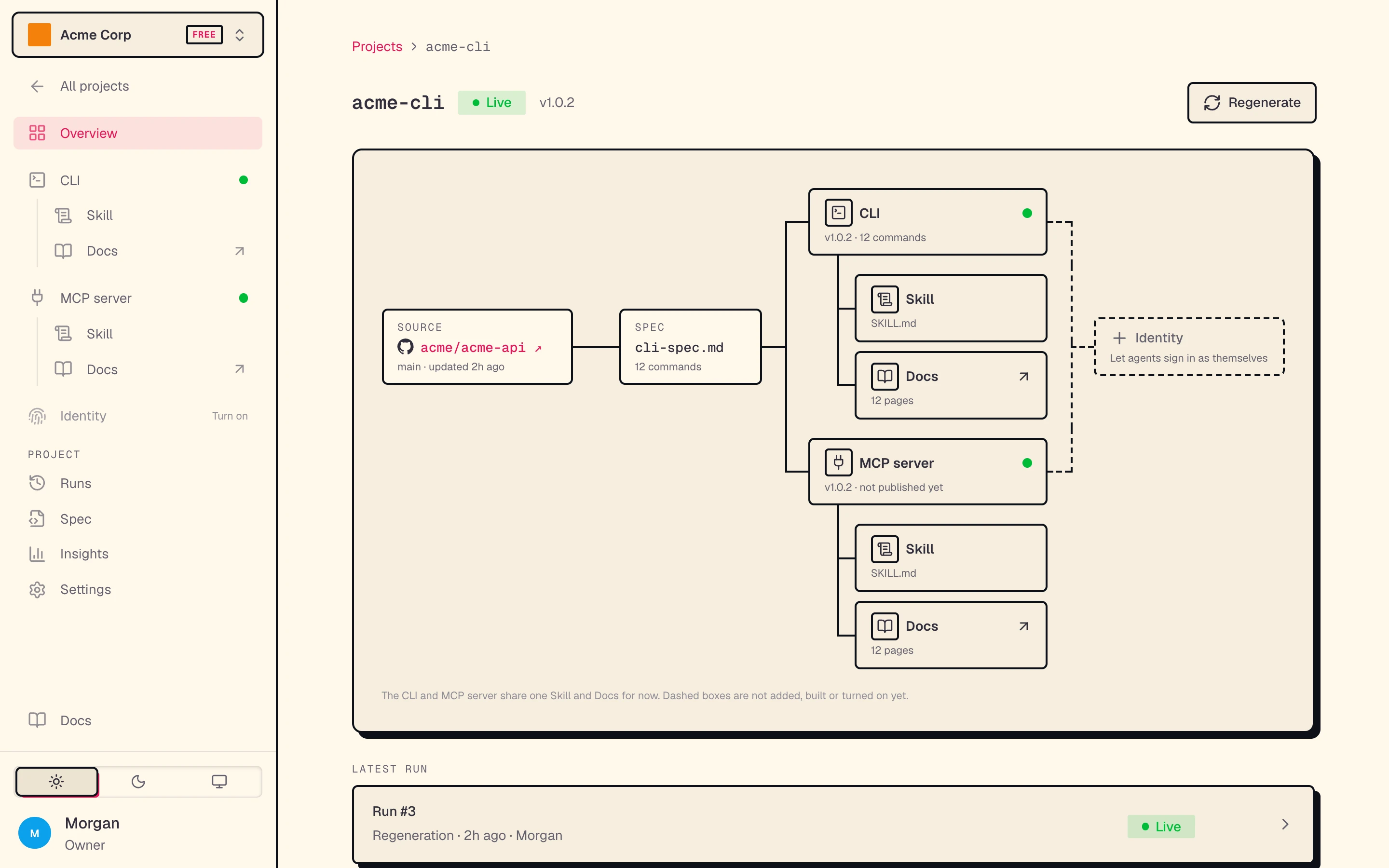
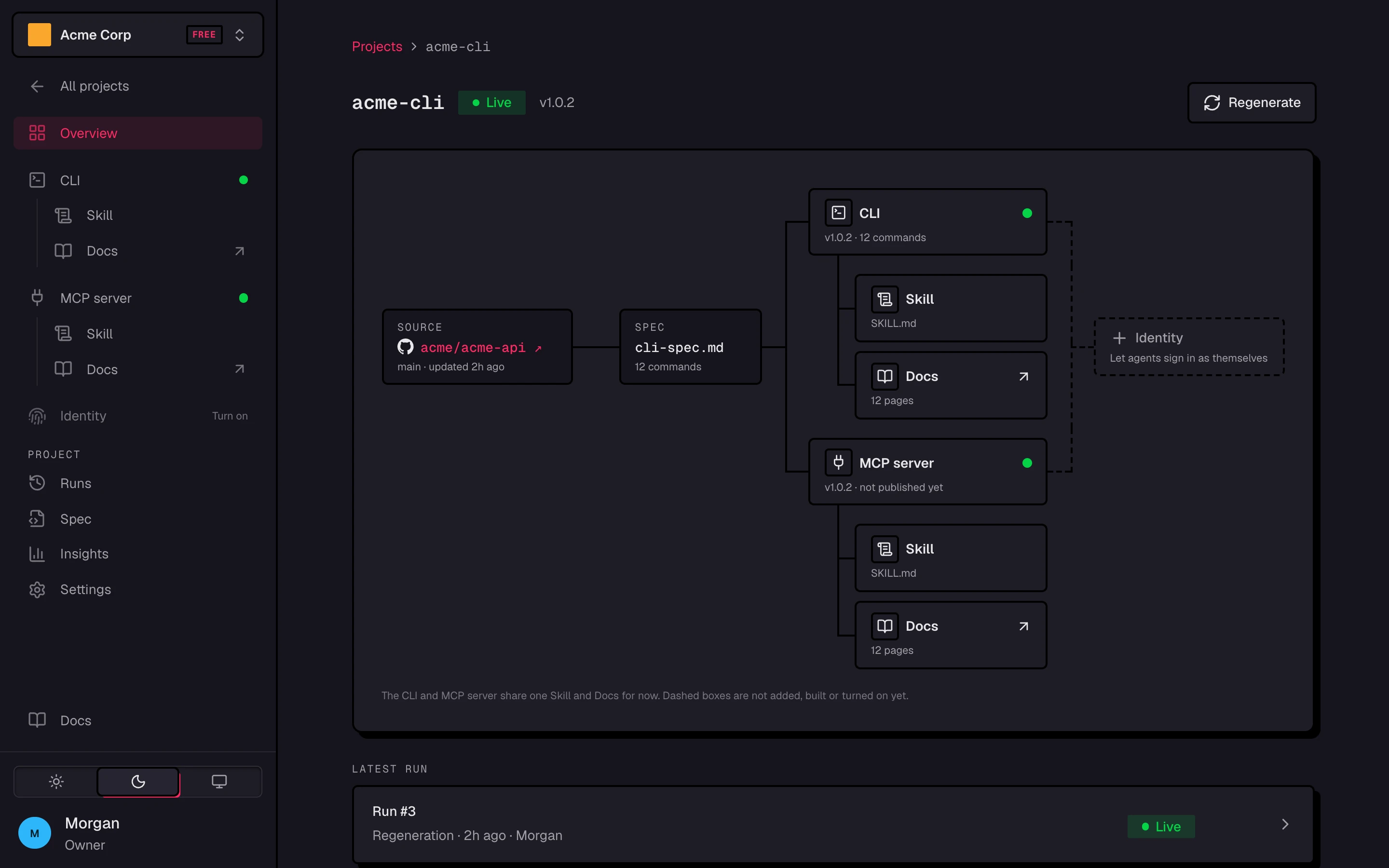
In the app, each CLI is a project. Its Overview draws that path: the source, the spec, and the two things every build makes, the CLI and an MCP server, each with its Skill and Docs. Dashed boxes are not added, built, or turned on yet.
Two CLIs
There are two CLIs in these docs. Keep them apart:
| CLI | Who runs it | What it does |
|---|---|---|
okibi | You, the builder | Creates your CLIs, runs generations, and manages releases |
Your generated CLI, for example my-cli | Your customers and their agents | Calls your product's API |
Your Okibi API key is only for okibi. Your generated CLI signs in to your product the way your product expects. The flags in the Command reference belong to okibi, not to your generated CLI.
Sources
A source is what Okibi reads to learn your API. Each generation uses exactly one:
- A codebase, uploaded from a local directory or cloned from GitHub.
- Public API documentation, researched from its URL.
- An OpenAPI document, from a file or an https URL.
Private repositories need the Okibi GitHub App installed on the account that owns them.
In the app: v1 and suggestions
The app builds from an OpenAPI spec. Paste its link or drop the file, or give it docs or a public repo and an agent writes the spec first.
- v1 builds straight from the spec in about a minute. It is free. When an agent writes the spec from docs or code, that build counts as 1 generation, suggestions included.
- Agent ready optimization then works on login, command names, help text and examples, and workflow commands. Each change is a suggestion you accept or reject. Nothing changes until you accept.
- Accepted suggestions go into
okibi.ymland ship in a new build, which publishes like any regeneration.
okibi.yml lives at the root of the CLI's repository and defines the CLI. When the spec changes, the next build adds its new endpoints as commands and keeps everything in okibi.yml, your changes and accepted suggestions alike. See Create a CLI.
The spec
In the terminal, okibi generate plans the CLI in cli-spec.md: every command, its flags, and its output. It is the contract the build follows, so a reviewed spec means no surprises in the CLI.
okibi generate --reviewpauses for approval. Useokibi spec approveorokibi spec reject --feedback "…".okibi generate --spec-onlyupdates the spec and pauses for approval without building anything.
--review and --spec-only work for a codebase or a repository. See Approve the spec.
Builds
A build is one generation. A terminal build moves through four stages:
| Stage | What happens |
|---|---|
| Generate | An agent researches the source and writes the commands |
| Validate | The CLI is built and checked: build, vet, and shipcheck |
| Package | The built CLI is exercised in live dogfood checks |
| Publish | The release and its installer are published |
A v1 build in the app shows its own steps instead: it reads your spec, writes the CLI, runs lint, builds it for macOS, Linux and Windows, and checks every command.
You can send feedback while a terminal build is working, with okibi message <run-id> --text "…" or from its chat in the app. If a build fails, the previous release stays available.
In the terminal, okibi calls a build a run: okibi runs lists them, and <run-id> names one.
Releases
A successful build produces a version of the CLI. You choose which version is the official release, who can install it, and where it is hosted. Every release comes with:
- A one-line installer for macOS, Linux, and Windows.
- Generated command docs and a SKILL.md for agents.
- A hosted MCP server.
Workspaces
Everything above lives in a workspace. Each member is an owner, admin, builder, or tester, and the workspace's plan sets its limits. See Workspace and members and API keys.