
Every published CLI is also a hosted MCP server. An agent client connects to a URL, and each tool call runs the matching command of your CLI.
Get the server URL
- Open the project and click MCP server in its sidebar.
- Copy the URL under Server URL.
- Pick your client in the tabs below it and follow the steps shown.
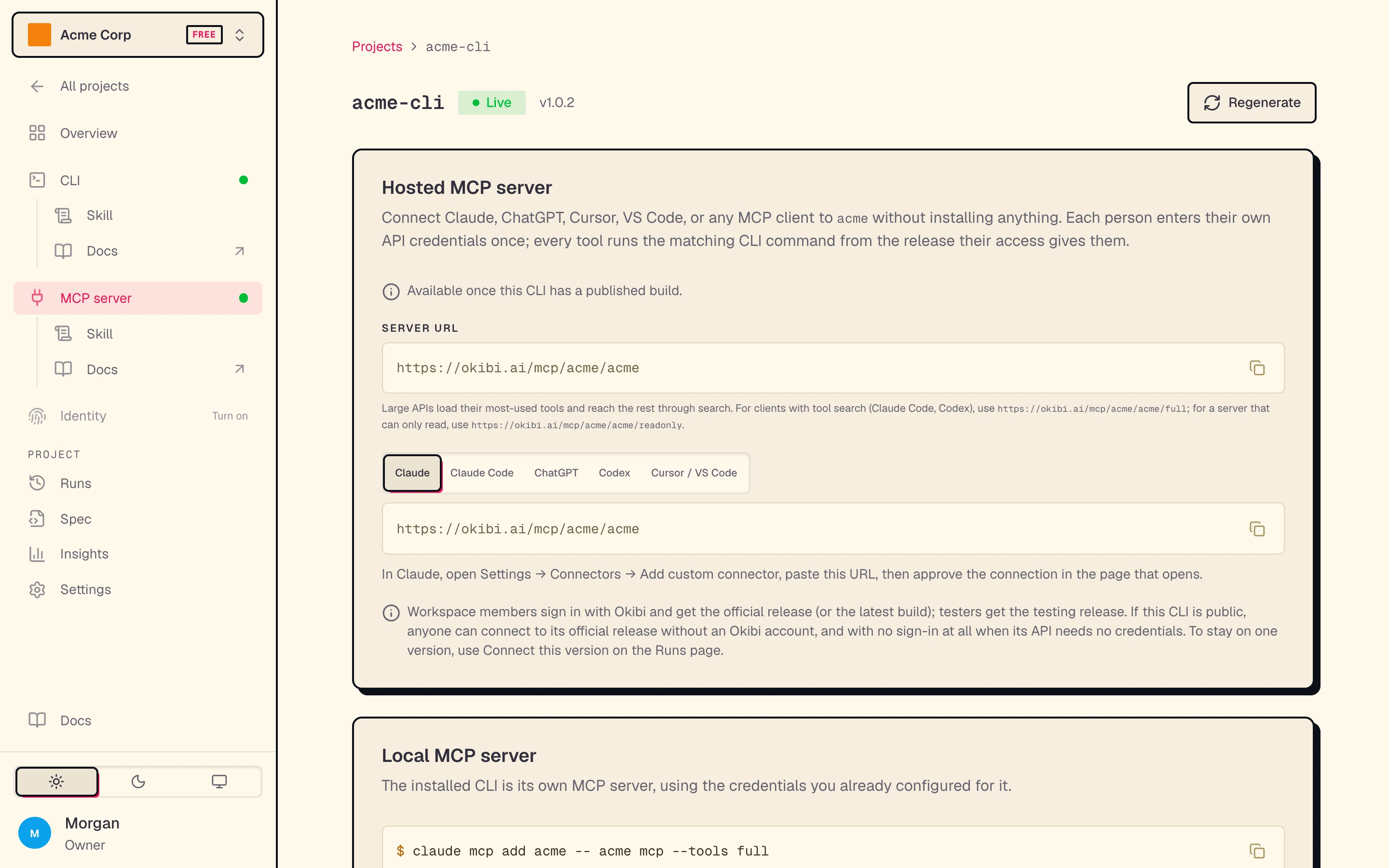
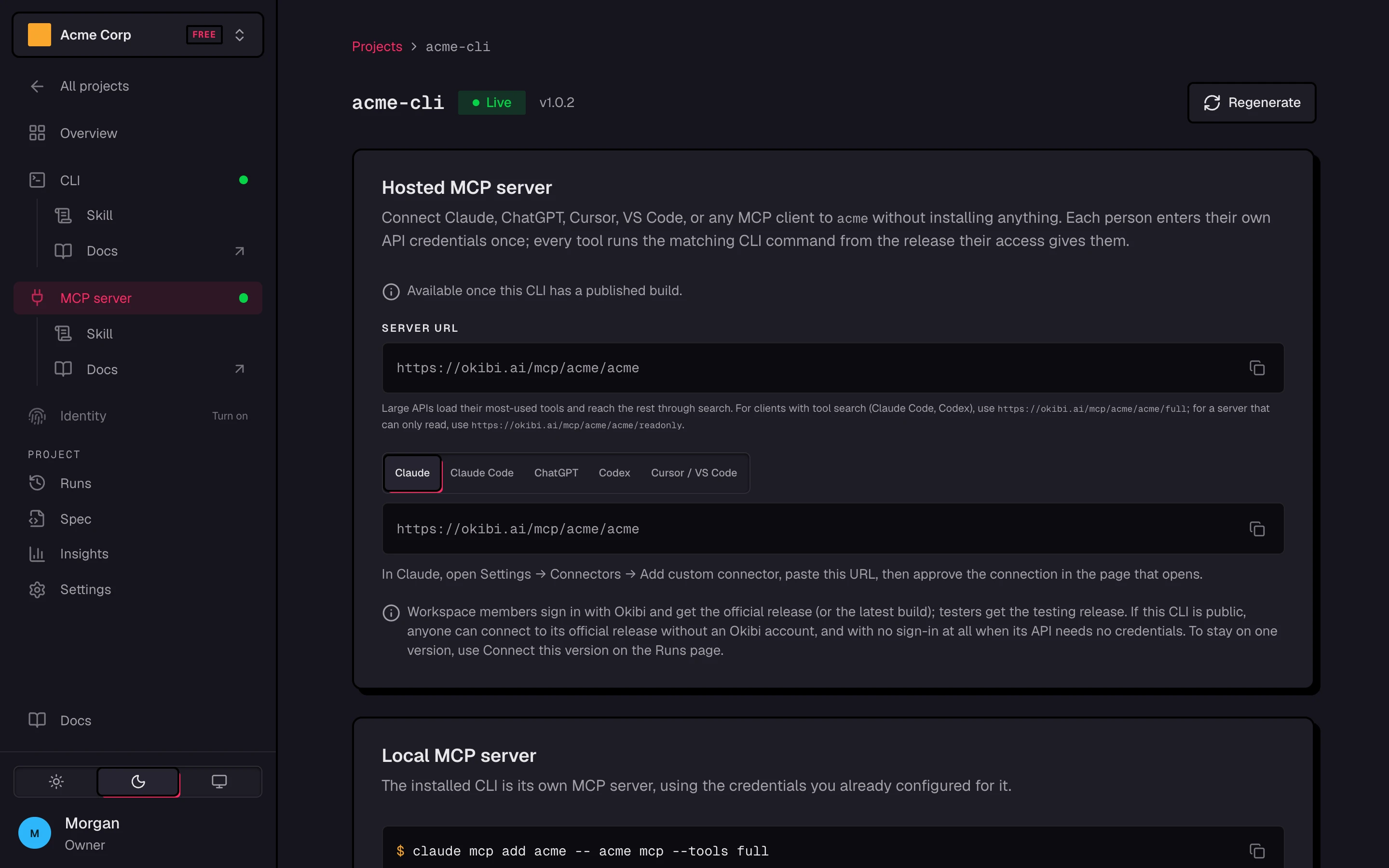
The server is available once your CLI has a published build. Each CLI has three URLs:
| Surface | URL | Use it for |
|---|---|---|
| compact | https://okibi.ai/mcp/acme/my-cli | Most clients. A small API gets every tool. An API with more than 30 operations gets a core set, plus tools to search for and call the rest. |
| full | https://okibi.ai/mcp/acme/my-cli/full | Clients with tool search, such as Claude Code and Codex. One tool per operation. |
| readonly | https://okibi.ai/mcp/acme/my-cli/readonly | A server that can only read. |
Add it to a client
The MCP server page and okibi clis mcp setup show the steps for Claude, Claude Code, ChatGPT, Codex, and Cursor or VS Code. For Claude Code, run this, then run /mcp in Claude Code to connect:
claude mcp add --transport http my-cli https://okibi.ai/mcp/acme/my-cli/fullHow people connect
The client finds the sign-in step on its own from the URL. Then:
- The client opens an Okibi page that asks to connect it to your CLI.
- The person enters the API credentials your CLI needs, if any, and clicks Connect. Okibi encrypts them and uses them only while the connection is active.
- The client returns and can call tools.
What each person reaches:
| Who | Release they get |
|---|---|
| Workspace members | The official release, or the latest build. They log in to Okibi. |
| Testers | The testing release. |
| Anyone, if the CLI is public | The official release, without an Okibi account. |
Stay on one version
On the Builds page, pick a successful build and click Connect this version (MCP). That URL stays on the build's version, whatever the official release becomes. It is for workspace members. In the terminal, use okibi clis mcp setup my-cli --run <run-id>.
Run it locally
The installed CLI is its own MCP server. It uses the credentials you already set up for it:
claude mcp add my-cli -- my-cli mcp --tools fullOther clients can run my-cli mcp over stdio, or my-cli mcp --transport http for HTTP on 127.0.0.1:7777.
See and remove connections
In the app, the Your connections card on the MCP server page lists the clients you connected. Click Disconnect to remove one. This deletes the credentials stored for it.
okibi clis mcp connections my-cli
okibi clis mcp disconnect my-cli <connection-id> --yes
You only see connections you made yourself. Someone who connected to a public CLI without an Okibi account removes the connection in their MCP client. See okibi clis for every flag.